Case study — Ship unloader interface
A ship unloader you can read at a glance
The problem
Four conveyors, three joints and a rotating tower used to be spread across separate readouts. We put them on one screen.
The machine is a mobile screw-type unloader that moves bulk cargo from ship to shore through a chain of articulated arms. Operators needed to see arm geometry, conveyor state and throughput together, without translating numbers into a mental picture of the machine. We built the interface around a live, to-scale drawing of the unloader itself.
01
The machine is the interface
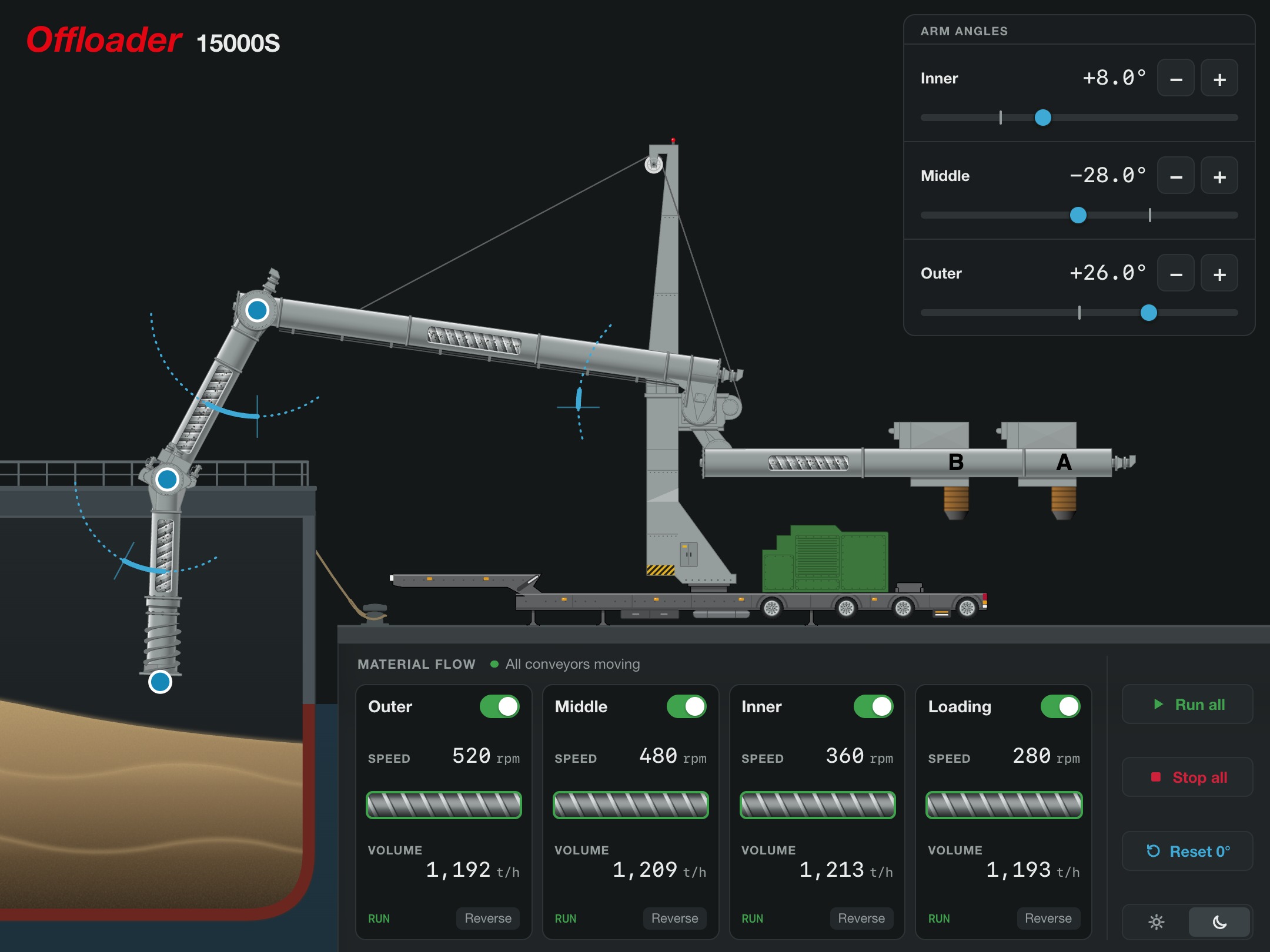
The centre of the screen is the unloader, drawn to scale and moving in real time. Each arm follows the operator's input, and the screw windows show whether material is flowing, stopped or running in reverse. The operator reads the status straight off the drawing.
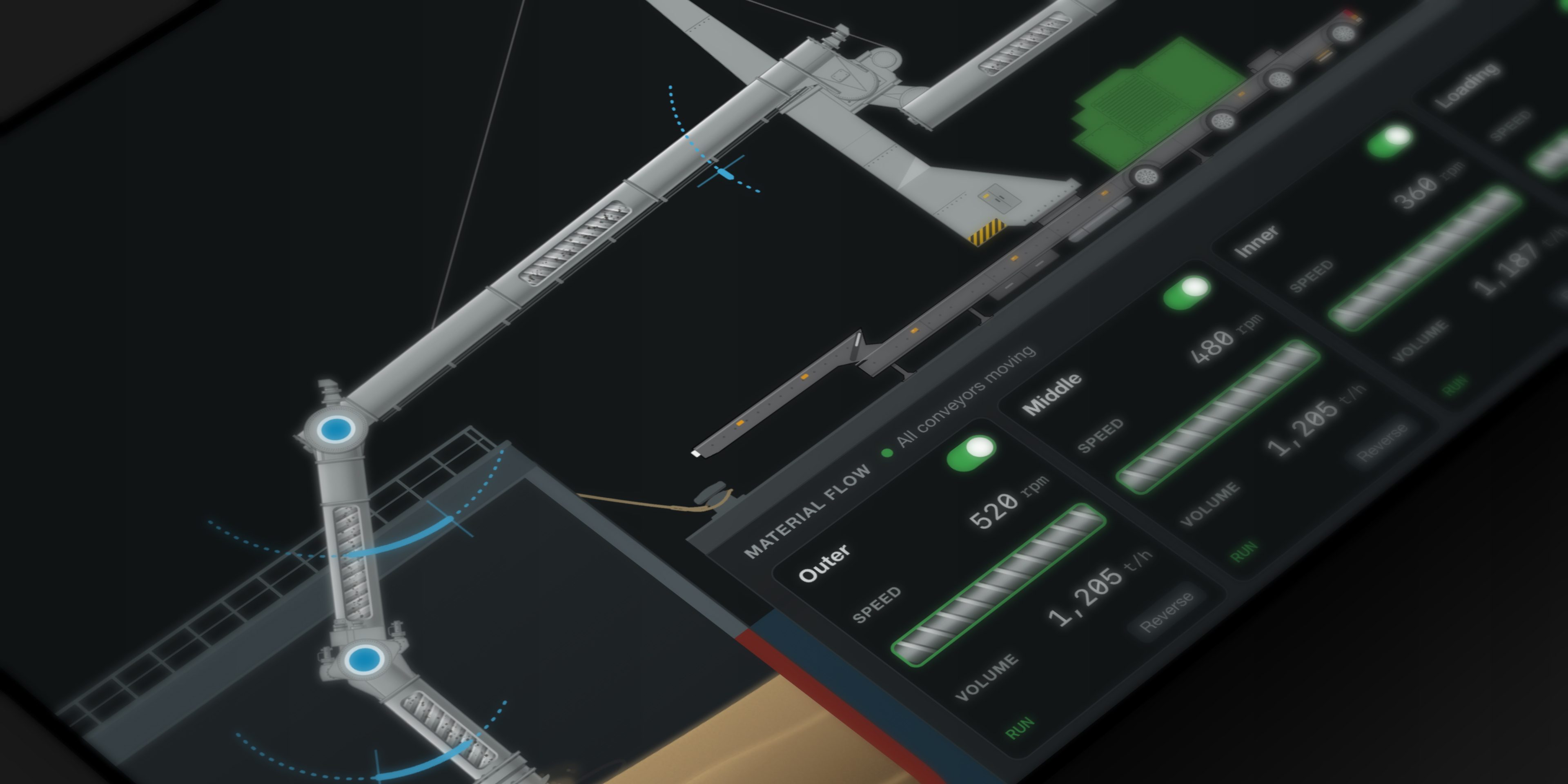
Controls sit at the edges and stay out of the way. Arm angles are set with sliders, steppers or by dragging the joints directly on the drawing. The material-flow panel lines up with the quay, with speed in rpm and volume in t/h for each conveyor, plus run, stop and reset for the whole chain.
02
From pile to pipe
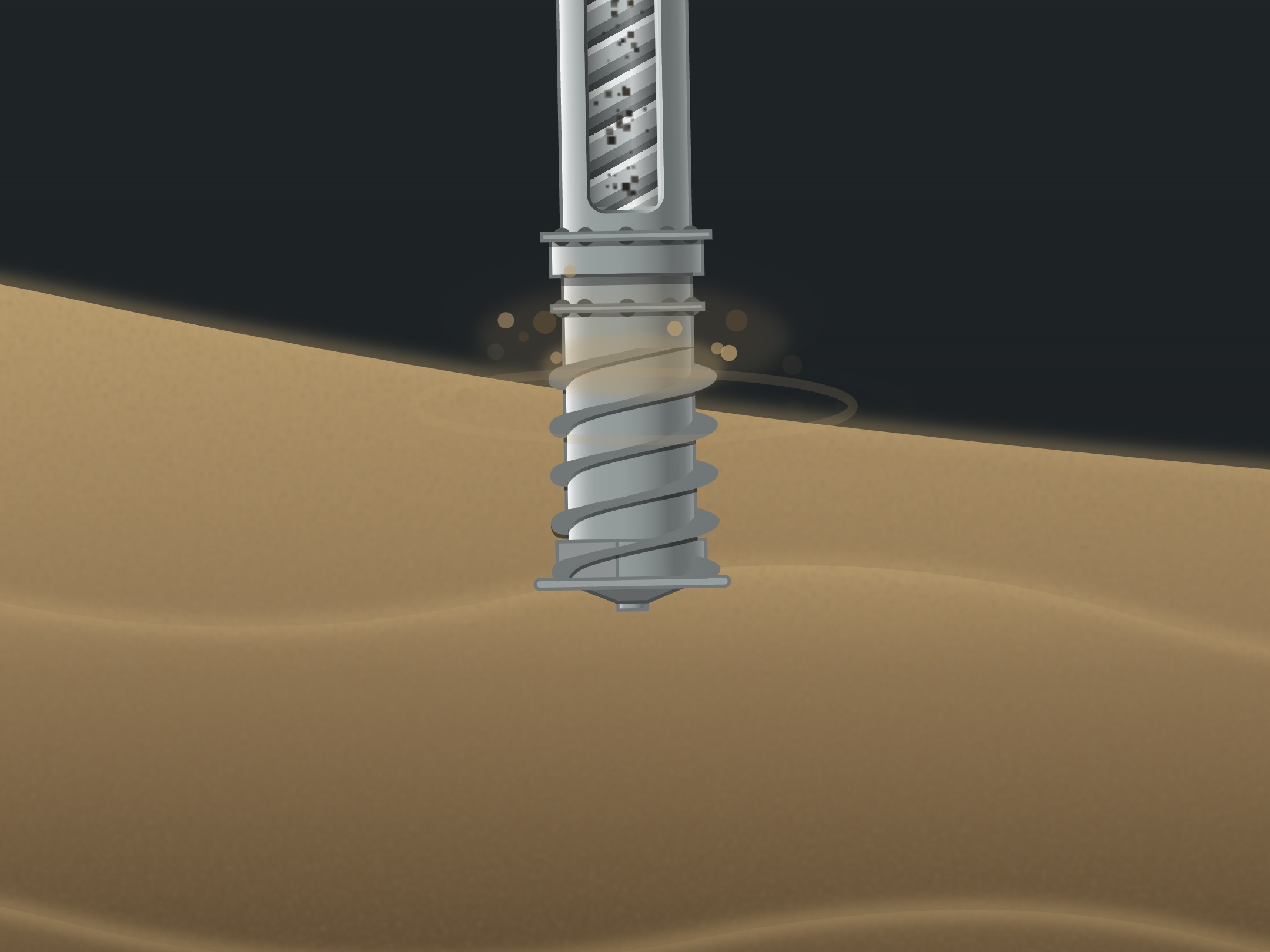
The rotating feeder head is where unloading starts. It digs into the cargo and feeds the vertical screw, so it is also where problems show first. We gave it the most visual attention: a counter-rotating inlet, grain moving through each screw window, and a pile that reads as real cargo.
When a conveyor starts or stops, the animation ramps up or down rather than switching instantly, and the rpm and t/h readings step along with it. Operators see the machine respond the way the real equipment does.
03
Every joint, every limit
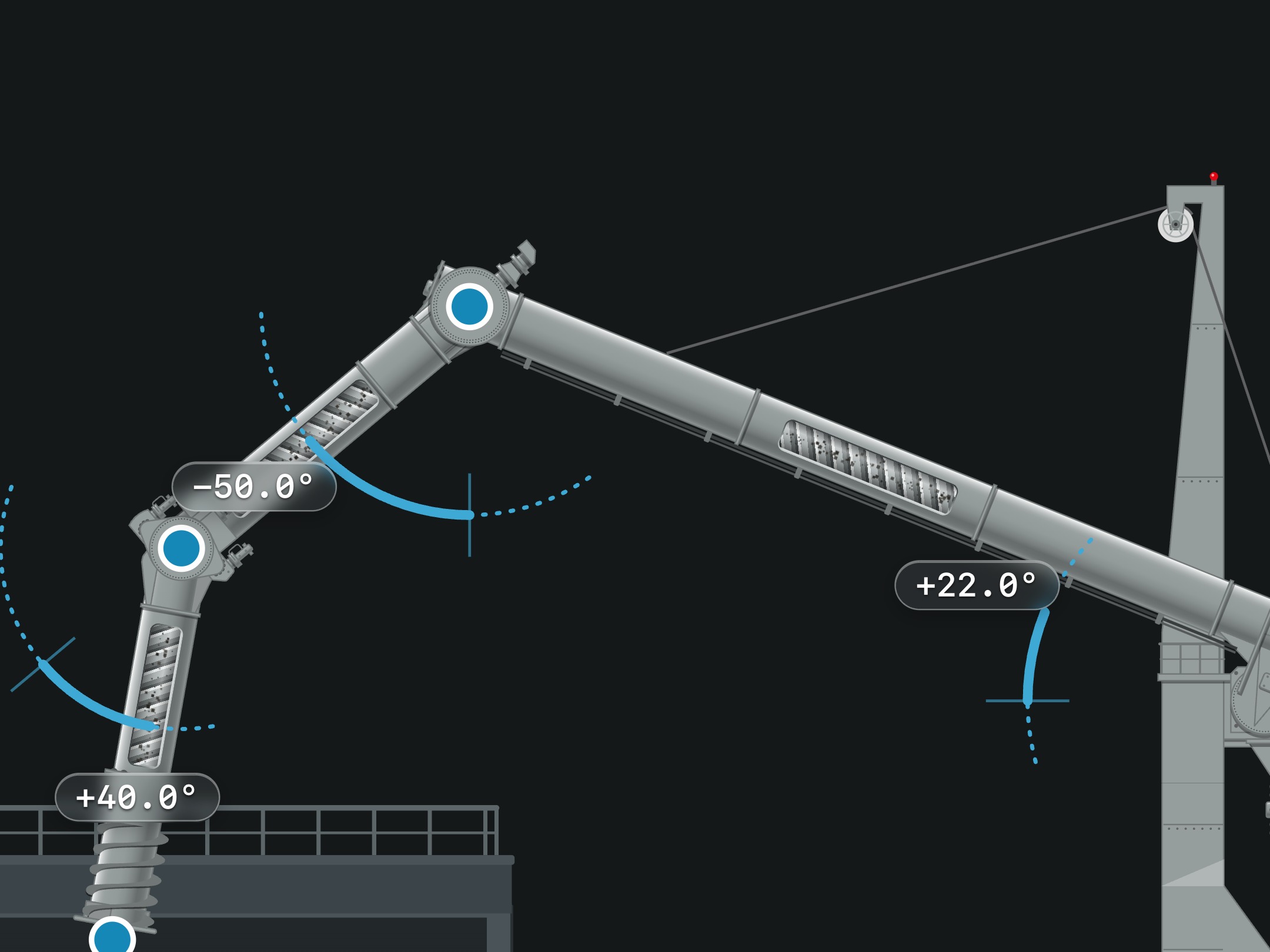
Each joint shows its full range of motion as an arc, with the current angle and its zero position marked. Operators can see how far an arm can travel before they move it, and how the other arms will follow when they do.
Limits are part of the drawing. A joint simply stops at the end of its arc, and a reset returns every arm to its home position in one smooth motion. The same view also animates the full fold into transport mode on the trailer.
Result
Operators set up the unloader without reading the manual.
How we worked